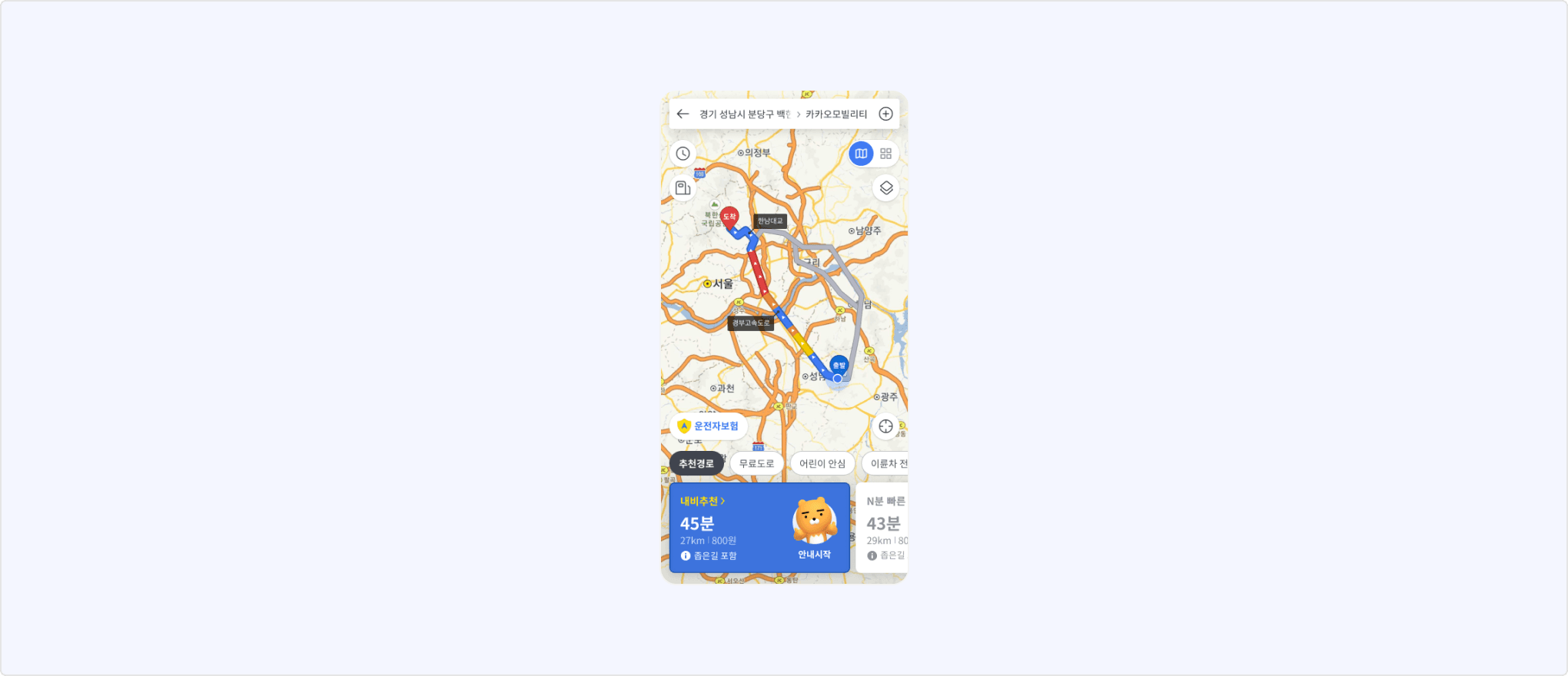
This document describes how to integrate the Kakao Navi API into your service with the Kakao SDK for JavaScript ("JavaScript SDK").
The JavaScript SDK allows users to start navigation or share location via the Kakao Navi application ("app"). If the Kakao Navi app is not installed on a user's device, the download page for the Kakao Navi app is open.
You can test the features described in this document in [Tools] > [JS SDK demo] menu.
| Reference | App setting |
|---|---|
Kakao.Navi.start() |
| Requirements | See also |
|---|---|
Starts directions from a user's current location to the entered destination.
- From JavaScript SDK version 1.41.0, if Kakao Navi is not installed when providing directions, users are redirected to the installation page, and the feature to provide directions through a web page is not available.
- For details, see DevTalk notice.
Call Kakao.Navi.start() function. Pass the name of the destination to name. Specify the x and y coordinates of the location as a parameter. Use coordType to set coordinate system to use. Use either wgs84 or katec.
Other optional parameters are available. Refer to the reference.
If the request is successful, the Kakao Navi app is launched to get directions to the specified destination. If the Kakao Navi app is not installed on a user's device, the user should be directed to the download page for the Kakao Navi app.
Start navigation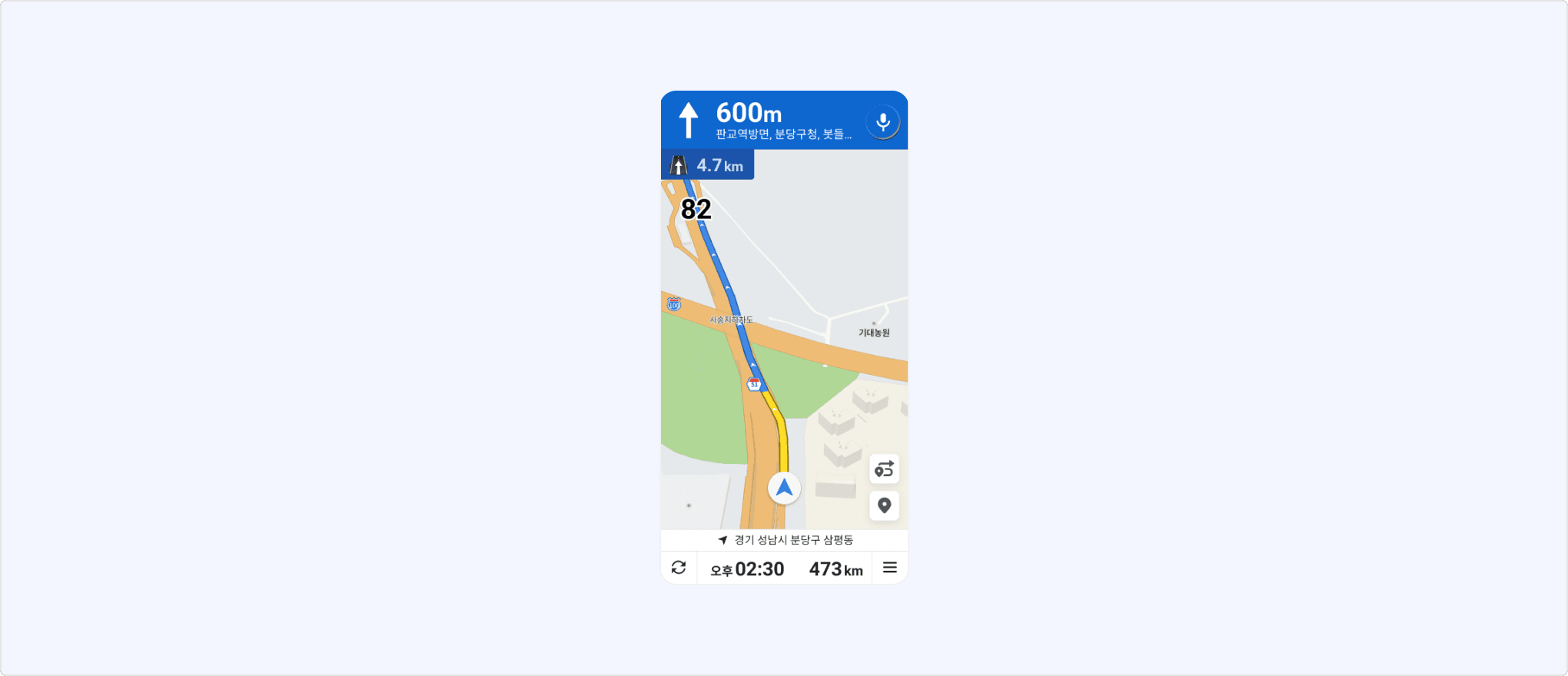
| Reference | App setting |
|---|---|
Kakao.Navi.share() |
| Requirements | See also |
|---|---|
Provides a screen to share the destination specified on the Kakao Navi app.
Call Kakao.Navi.share(). Pass the name of the destination to name. Specify the x and y coordinates of the location as a parameter. Use coordType to set coordinate system to use. Use either wgs84 or katec.
If the request is successful, the Kakao Navi app is launched and shows the shared location. If the Kakao Navi app is not installed on a user's device, the user should be directed to the download page for the Kakao Navi app.
Share location