
This document provides guidelines for correctly applying the design elements required when using the Talk Calendar service.
The Talk Calendar signature combines the chat bubble symbol representing Kakao Talk with a wordmark. It clearly indicates the Kakao Talk brand and can be used for major brand communication.
The Talk Calendar signature consists of the Kakao chat bubble-shaped symbol and the Talk Calendar label.
- Korean and English signatures are provided.
- Use the signature as originally provided without changing the proportions or positions of the two elements.
Standard design of Talk Calendar signature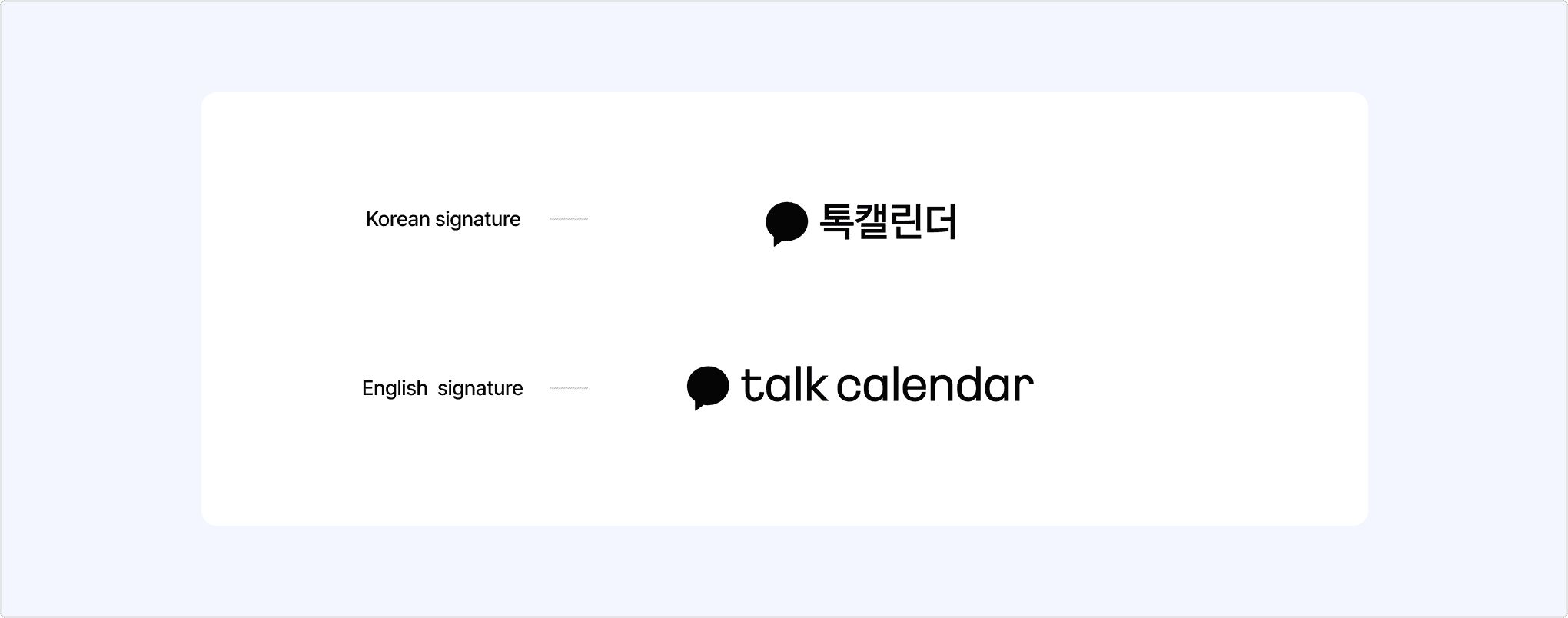
You can download the standard Talk Calendar signature, created with the size and aspect ratio recommended by Kakao, from [Tools] > [Resource Download] > [Talk Calendar].
The Talk Calendar signature images are provided as SVG files. Click [Download all(.zip)] to download the Korean and English SVG files of the signature and the SVG file of the icon together.
- Use the chat bubble-shaped symbol representing Kakao as the default symbol.
- Do not change the shape or ratio of the symbol.
- Do not create a Talk Calendar signature without the symbol.
- Do not use another symbol instead of the chat bubble or modify the symbol.
Bad example of Talk Calendar signature composition
Bad example of Talk Calendar signature symbol usage
When representing the Talk Calendar brand in text, be careful with spacing and capitalization. Refer to the examples below and use the correct notation.
| Language | Label |
|---|---|
| Korean | 톡캘린더 |
| English | Talk Calendar |
The dedicated colors are important elements that represent the brand image together with the logo. Use the same colors consistently and follow the brand color usage guidelines.
| Color | HEX | RGB | CMYK | Pantone |
|---|---|---|---|---|
| Kakao Yellow | #FAE100 | 250 225 0 | 0 5 100 0 | 108C (U) |
| Black | #000000 | 0 0 0 | 0 0 0 100 | Neutral BlackC (U) |
| White | #FFFFFF | 255 255 255 | 0 0 0 0 | - |
Talk Calendar signature color palette
- Do not use colors outside the color palette above.
- Use the black logo by default on a white background.
- You may use the white logo on a black background.
- Kakao Yellow can be freely used as the background for the signature. In this case, use the black logo.
- When applying the logo on a gray background, use the black or white logo depending on the background brightness so that the logo is clearly visible.
Talk Calendar signature color usage guidelines
Bad examples of Talk Calendar signature color usage
Bad examples of Talk Calendar signature usage
The Talk Calendar icon is used to effectively communicate features in the service UI.
The Talk Calendar icon represents a calendar. You may modify the icon according to its purpose as long as the metaphor of a calendar is preserved.
However, use Talk Calendar icon data that allows the stroke value to be changed, and adjust the size or thickness according to the device environment.
Standard design of Talk Calendar icon
You can download the Talk Calendar icon from [Tools] > [Resource Download] > [Talk Calendar]. The icon image is provided as an SVG file.